


How it works
Install once. Then just drive.
Six steps from download to your family's trip report. Most of them happen on their own.


Step 1: Install
Install it once.
Free on iPhone and Android. Set it up once; recording and crash detection take care of themselves.
Download free
Guardian AI
Your Co-Driver
Free · iPhone · Android


Step 2: Drive
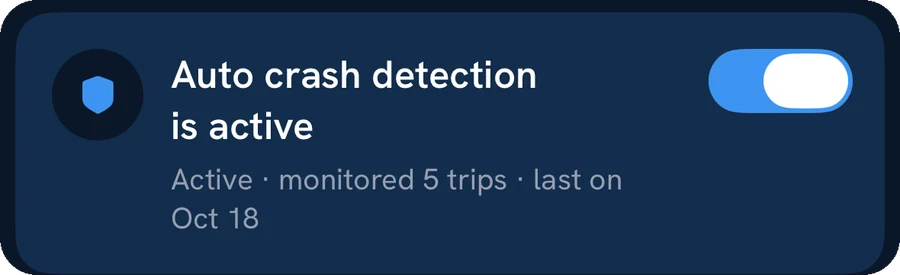
Just drive.
Trips record themselves. With CarPlay, plug in and your route is on the car screen.

Step 3: Get warned
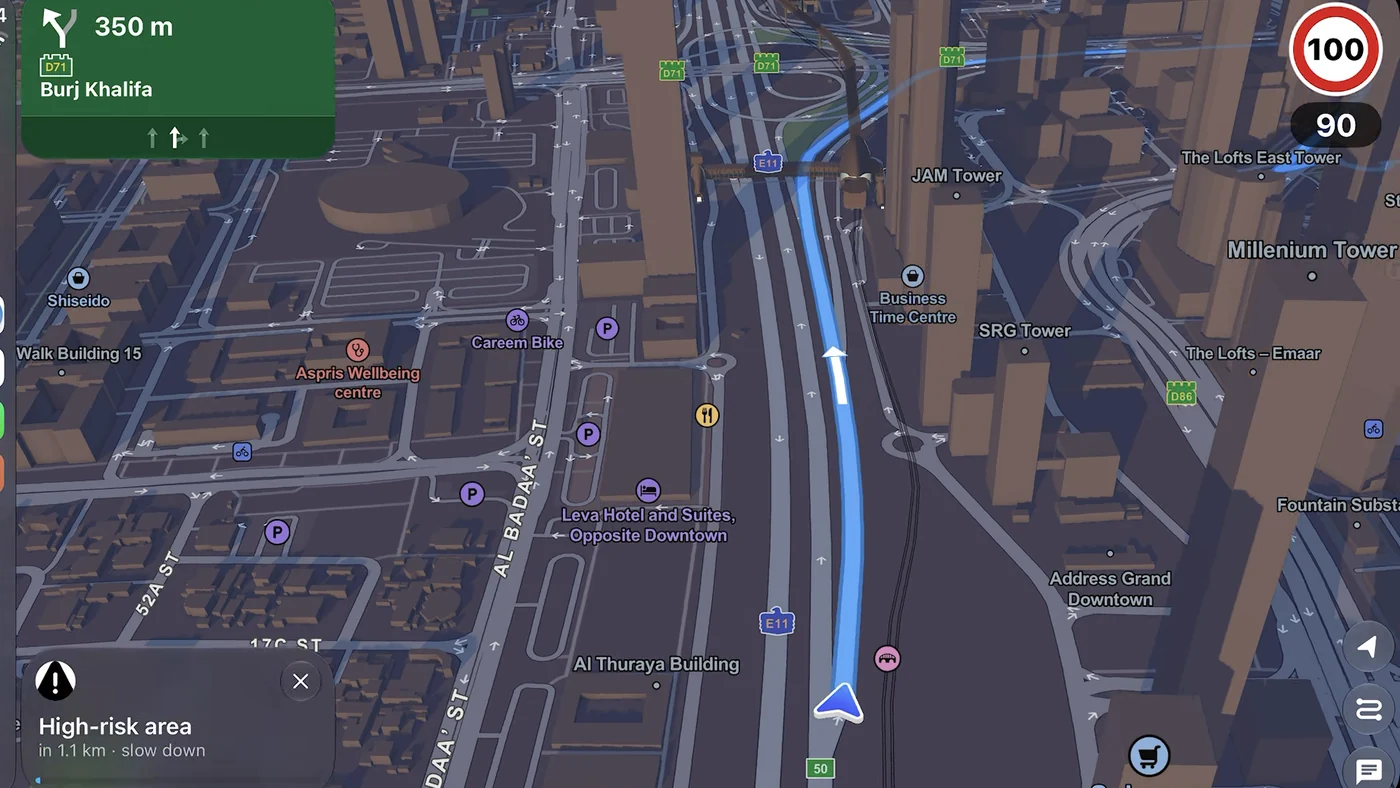
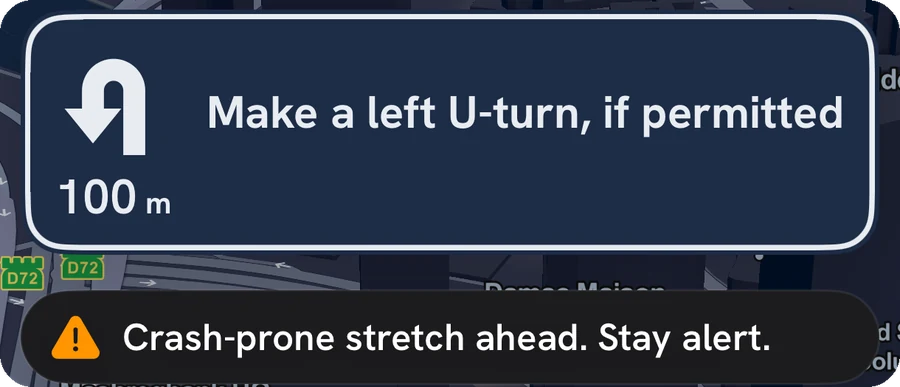
Warned a kilometre early.
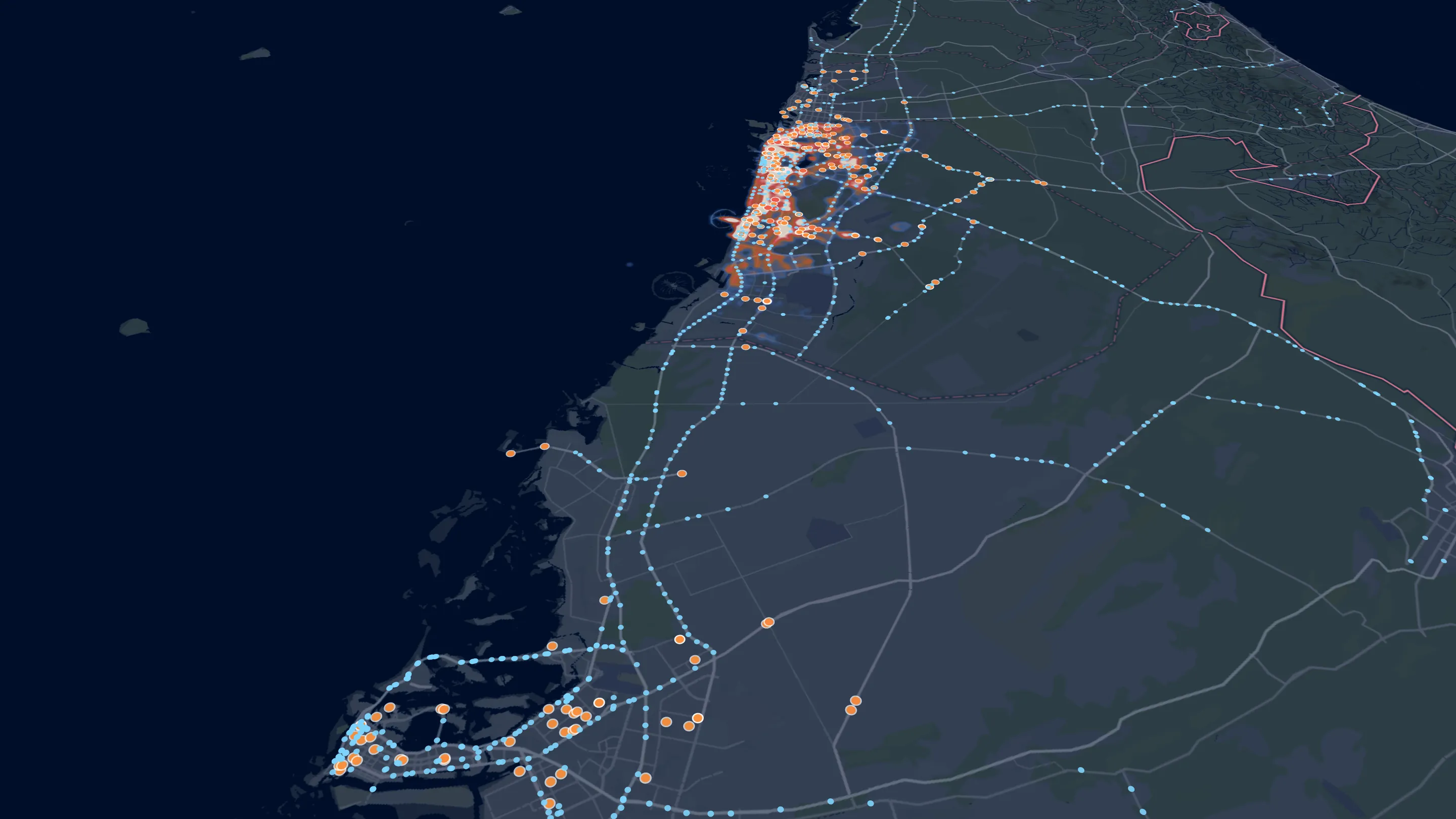
While you navigate, Guardian AI flags accident-prone stretches before you reach them. On your phone and on CarPlay.
See the road-risk map

Step 4: Park, get scored
Park. See your score.
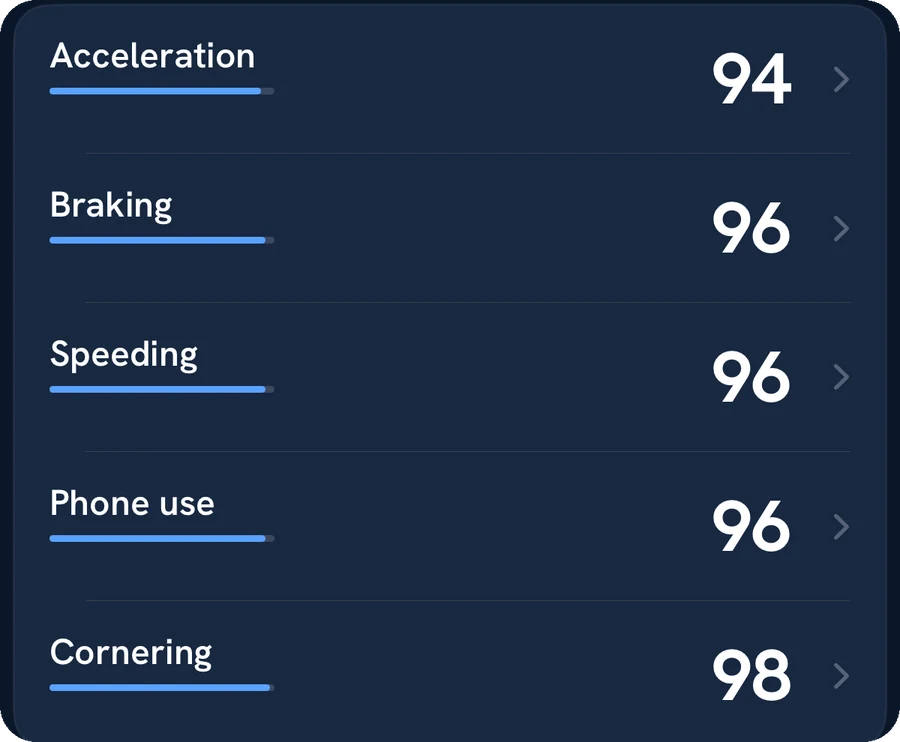
Every drive gets a score out of 100 and a plain verdict, from five factors.
How the score works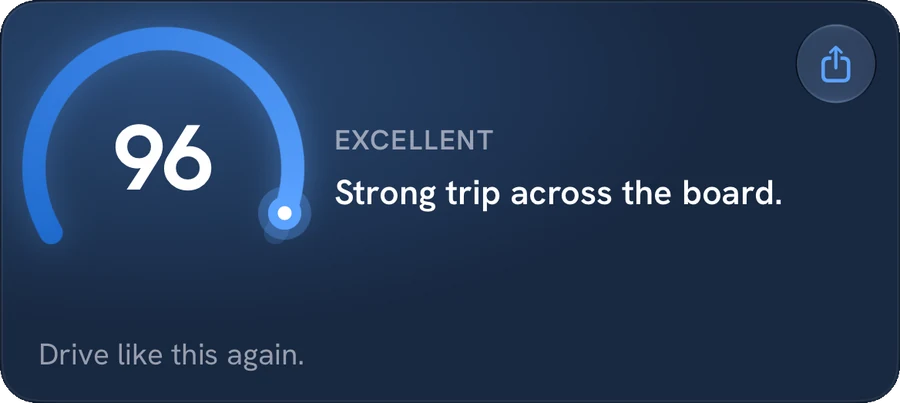

Step 5: Ask Co-Driver
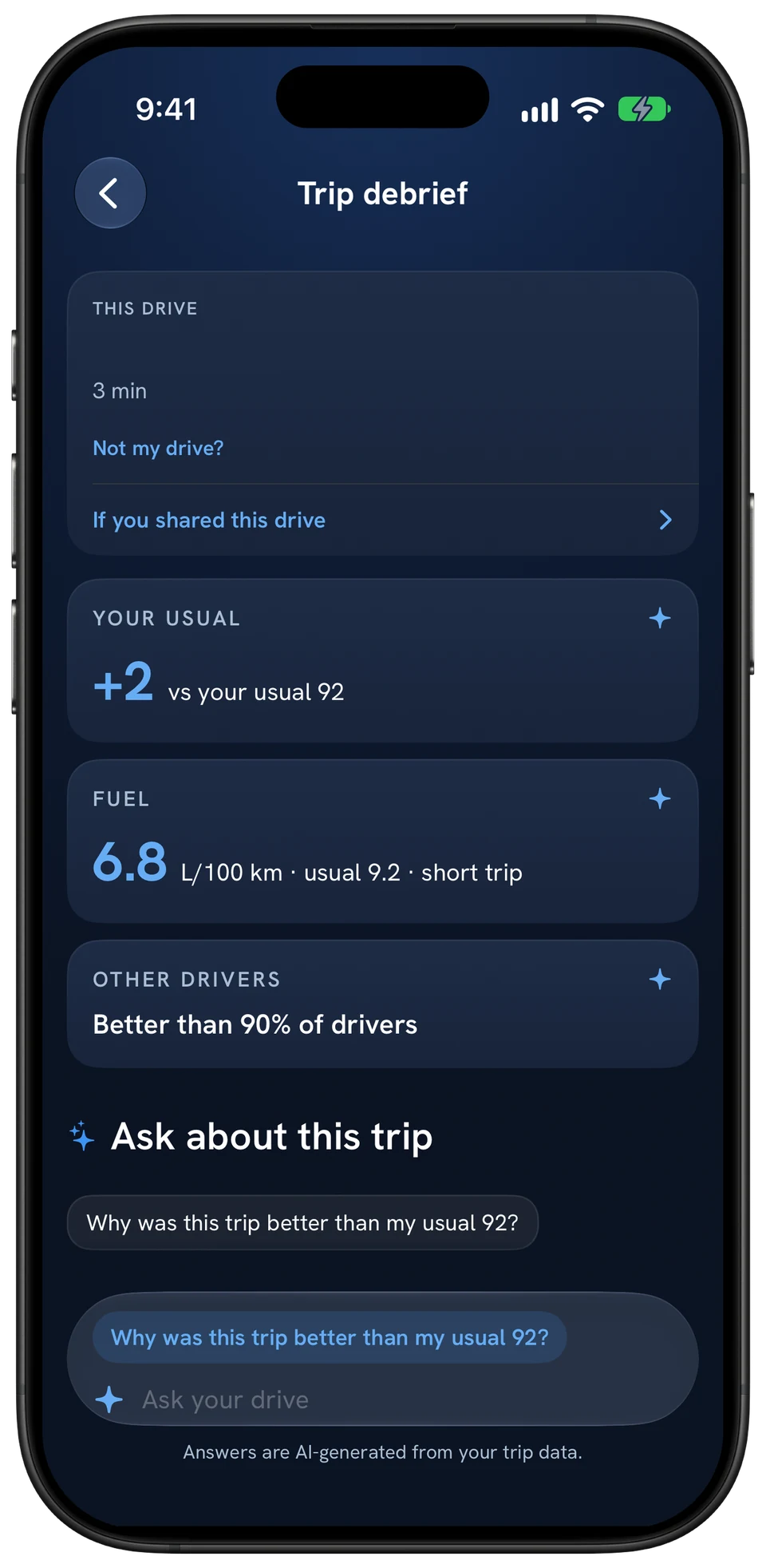
Then ask why.
Once you're parked, ask Co-Driver about the trip. Every number in the answer comes from your own drive.
Coming soon
Co-Driver coaching while you drive

Step 6: Family gets the report
Family gets the report.
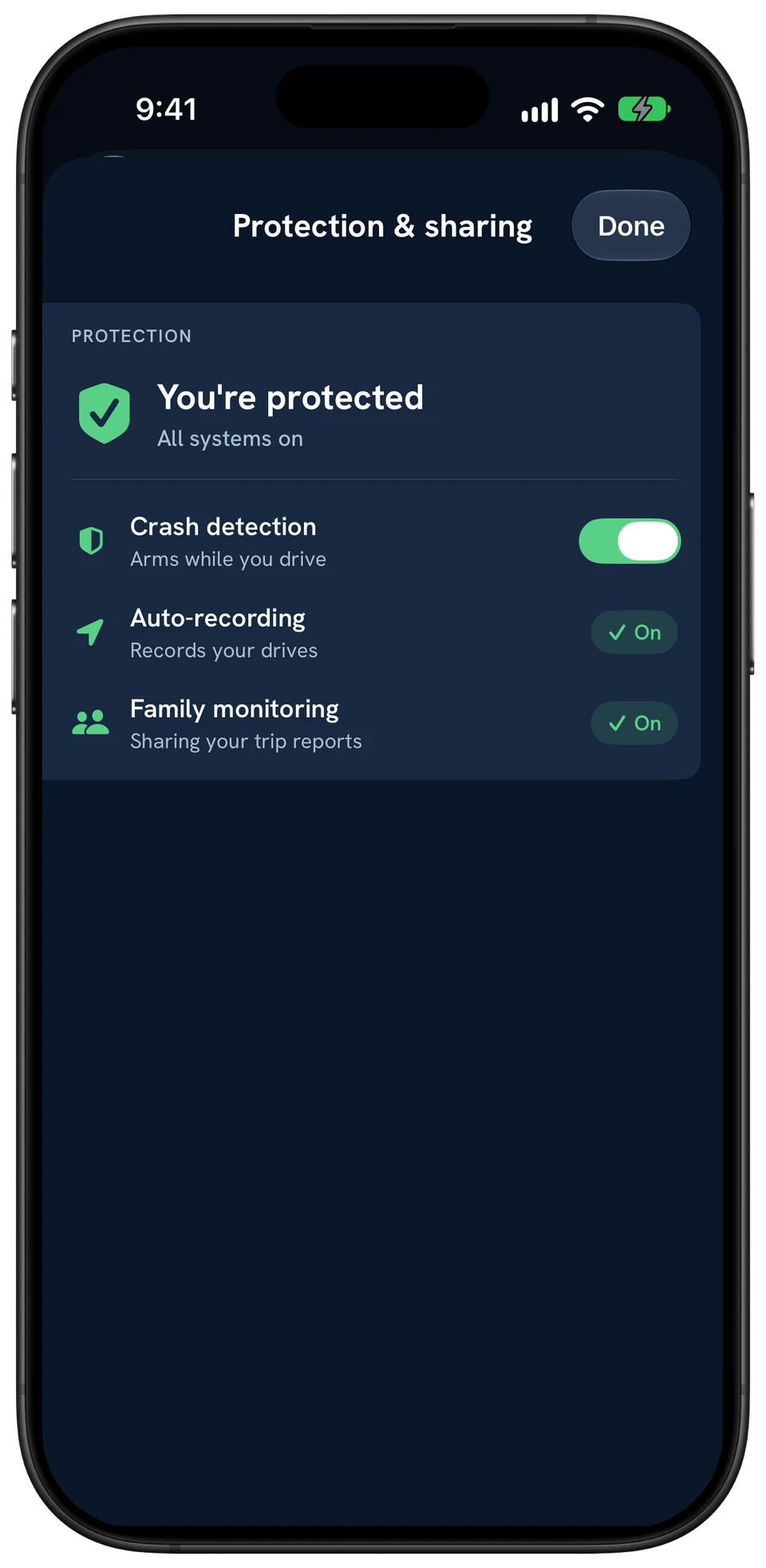
Invite family by email. After every drive, they get your trip report.
Coming soon
A new Family experience
Free on iPhone and Android
Your next drive is step one.
Download free. Your first score is waiting when you park.
See every feature